
Tiny Text Generator
Convert your text into tiny text fancy style for a unique and compact look.
Share with others!
Tiny Text Generator
The Tiny Text Generator converts normal text into very small Unicode characters that you can copy and paste anywhere. Instead of changing the font size, the tool replaces standard letters with special Unicode characters that appear smaller on the screen.
Tiny text is commonly used to create stylish bios, unique usernames, aesthetic captions, and decorative messages. Many social media users prefer tiny text because it looks subtle but still adds personality to their content.
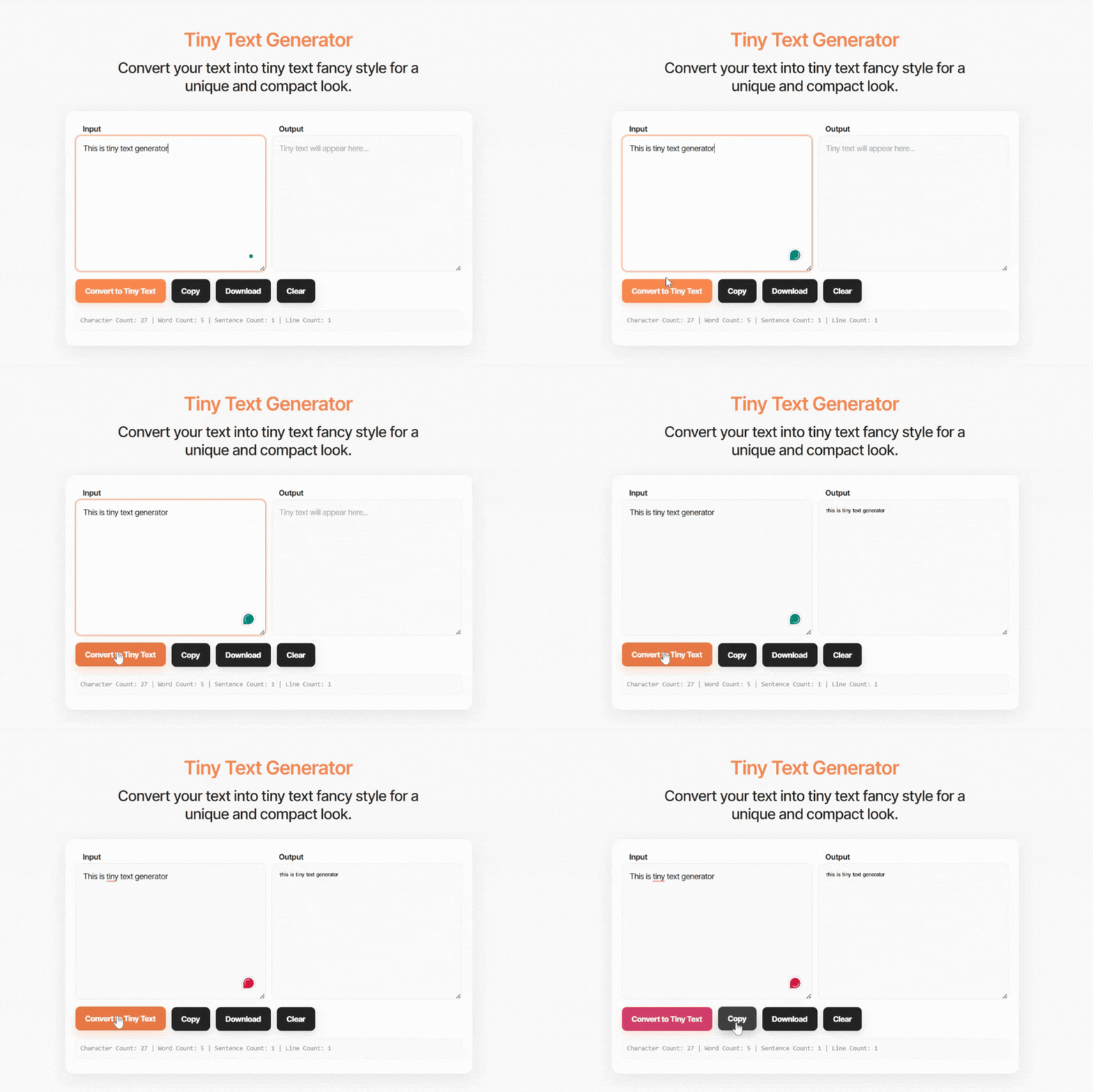
Simply type your text into the generator above and the tool will instantly produce tiny styled characters. You can then copy the result and paste it into your favourite apps or websites.
Tiny text works on many platforms including social networks, messaging apps, and gaming profiles because it uses Unicode characters that are widely supported across modern devices.
What Is Tiny Text?
Tiny text refers to small styled characters created using Unicode symbols. These characters look like miniature versions of regular letters.
Unlike normal text formatting, the characters are not resized. Instead, they are completely different symbols that visually appear smaller.
For example:
Normal text
Hello World
Tiny text
ᴴᵉˡˡᵒ ᵂᵒʳˡᵈ
Each letter is replaced with a tiny Unicode version, which creates a smaller appearance.
Tiny Text Copy and Paste
One of the biggest advantages of this tool is that the generated text is ready to copy and paste. Once the conversion is complete, you can instantly copy the tiny characters and use them anywhere.
Tiny text is commonly copied into:
- Instagram bios
- TikTok captions
- Discord usernames
- Twitter posts
- WhatsApp messages
- gaming nicknames
Because the text is based on Unicode characters, it usually displays correctly on modern devices.
Types of Tiny Text Styles
Tiny text can appear in different styles depending on the Unicode characters used. Some generators create superscript text, while others create small caps or decorative tiny letters.
Superscript Tiny Text
Superscript characters appear slightly above the normal text line. They are often used in mathematics or scientific writing.
Example:
Normal
Hello
Superscript tiny text
ᴴᵉˡˡᵒ
Superscript text gives the impression of a smaller floating style.
Subscript Tiny Text
Subscript characters appear slightly below the normal text baseline. These are commonly used in formulas but can also create decorative text effects.
Example:
Normal
Text
Subscript tiny text
ₜₑₓₜ
This style creates a compact appearance.
Small Caps Style
Small caps text uses capital style characters that appear slightly smaller than regular uppercase letters.
Example:
Normal
Creative Text
Small caps
ᴄʀᴇᴀᴛɪᴠᴇ ᴛᴇxᴛ
Small font is widely used in social media bios and usernames.
Where Tiny Text Is Commonly Used
Tiny text has become popular because it helps create unique looking text without installing special fonts. People use tiny characters to make their profiles or messages stand out.
Some common uses include:
- styling social media bios
- aesthetic captions
- unique usernames
- decorative chat messages
- creative design elements
Gamers often use tiny text in usernames to create distinctive tags that look different from regular names.
How the Tiny Text Generator Works
The Tiny Text Generator works by replacing normal characters with similar Unicode symbols that appear smaller.
For example:
a becomes ᵃ
b becomes ᵇ
c becomes ᶜ
These characters belong to Unicode blocks that include superscript or special small letter variations.
Unicode characters are standardised across many systems, they can usually be displayed correctly on websites, apps, and devices.
Tiny Text Examples
Below are a few examples showing how normal text can be transformed into tiny characters.
Normal → Tiny Text
Hello → ᴴᵉˡˡᵒ
Welcome → ᵂᵉˡᶜᵒᵐᵉ
Creative → ᶜʳᵉᵃᵗᶦᵛᵉ
Tiny Letters → ᵀᶦⁿʸ ᴸᵉᵗᵗᵉʳˢ
These examples show how the generator replaces standard letters with smaller Unicode versions.
Tiny Text vs Small Text
Although the terms are sometimes used interchangeably, tiny text and small text can refer to slightly different styles.
Tiny text often uses superscript or subscript characters, which appear above or below the normal baseline.
Small text usually refers to small caps characters that look like reduced uppercase letters.
Both styles rely on Unicode characters rather than font resizing, but they create different visual effects. Tiny text usually appears more delicate, while small caps text tends to look more structured.
Benefits of Using Tiny Text
Tiny text generators are useful because they allow users to quickly create decorative text styles without technical knowledge.
Some advantages include:
- fast and automatic text conversion
- no software installation required
- compatible with most platforms
- easy copy and paste functionality
- unique text appearance
These features make tiny text generators a popular tool for social media users and online communities.
Does Tiny Text Work on All Platforms?
Tiny Unicode characters are supported by most modern platforms. However, display may vary slightly depending on the device or operating system.
Platforms where tiny text usually works well include:
- TikTok
- Discord
Older systems may not support some Unicode characters, which could cause certain letters to appear differently.
Frequently Asked Questions
What Are Tiny Font Styles?
Tiny font styles are small Unicode characters that look like miniature versions of regular letters. They can include superscript, subscript, or small caps variations, and are used to create stylish usernames, social media bios, captions, or decorative text.
How Do I Copy and Paste Tiny Text from a Generator?
Using a Tiny Text Generator, simply type your text into the input box. The tool automatically converts it into tiny styled characters. Once generated, you can copy the text and paste it anywhere—social media, messaging apps, or gaming profiles.
Can I Use a Tiny Text Generator for Fortnite?
Yes. A Tiny Text Generator for Fortnite can create small, unique usernames or clan names. Enter your desired text, copy the tiny version, and paste it into your Fortnite profile. Keep in mind that some characters may not display if the game doesn’t support certain Unicode symbols.
Where Can I Find Tiny Font Styles for Free?
You can generate tiny font styles for free using online Unicode text generators. These tools convert normal text into superscript, subscript, or small caps characters without requiring downloads or software installation. Popular uses include Instagram bios, Discord usernames, and gaming profiles.
What Is Super Small Text?
Super small text refers to text converted into very tiny Unicode characters, smaller than standard letters. It’s often used for aesthetic messages, subtle social media styling, or unique usernames. Unlike shrinking a font, it uses actual characters that appear small.
Can I Use a Tiny Text Generator on Discord?
Yes. Tiny text works well on Discord for usernames, nicknames, or messages. Because it uses Unicode, it displays correctly on most modern devices. Some rare symbols may not render if Discord updates its character support.
Can I Generate Tiny Text for Minecraft?
Yes. A Tiny Text Generator for Minecraft can create unique usernames or chat messages using small Unicode characters. Check your server’s rules first, as some servers may restrict certain symbols or letters.
Can I Use a Small Text Generator for Free Fire?
Yes. Small or tiny text generators can be used in Free Fire to create stylish player names or guild tags. Enter your text, copy the generated small or tiny letters, and paste them into the nickname field if the game supports Unicode characters.